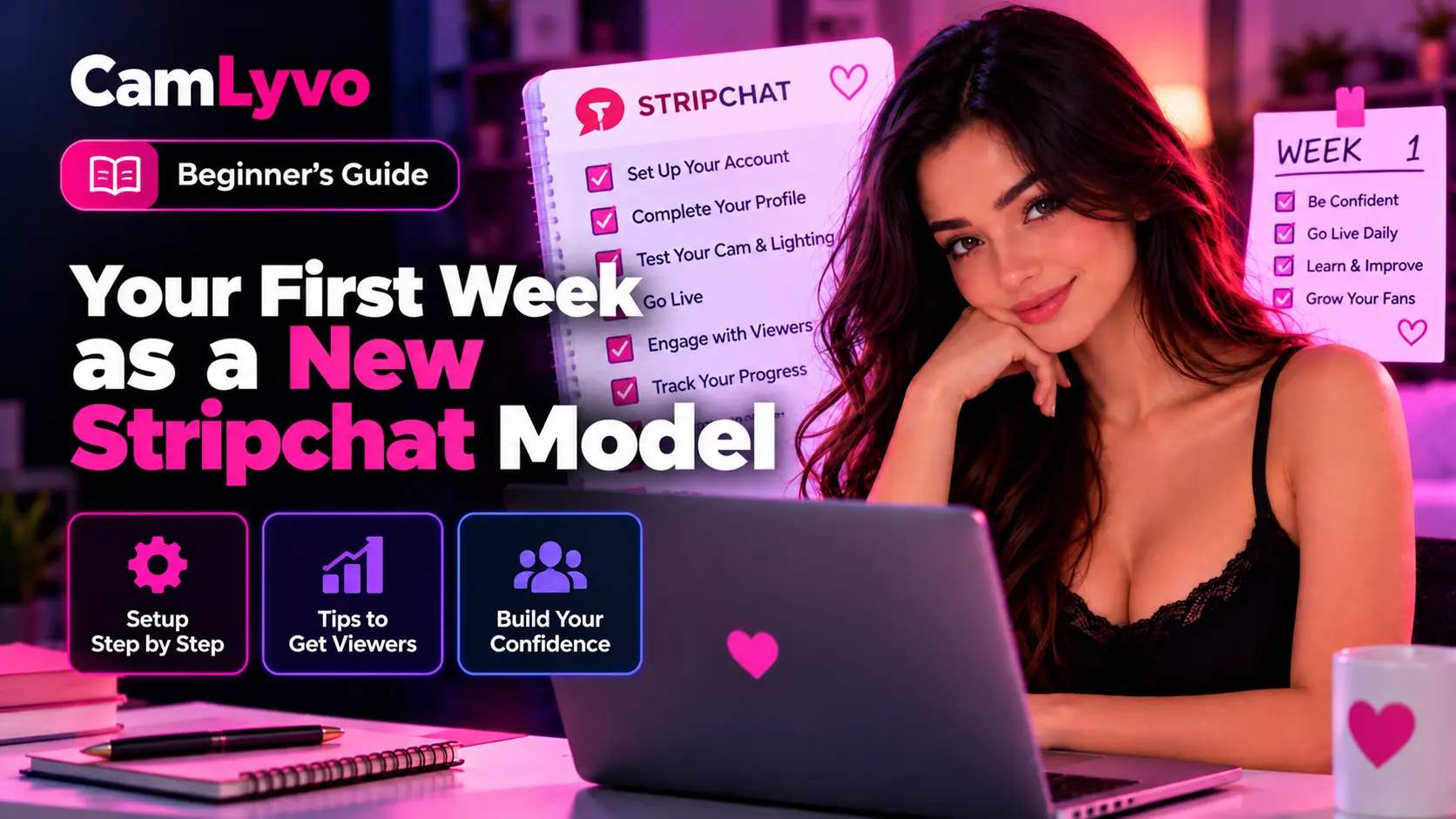
Your first week as a new Stripchat model does not need to be about maximizing hours, buying more equipment or trying every feature immediately.
A better goal is to build a reliable starting system: protect your privacy, learn your setup, understand your account, create a manageable schedule and collect enough experience to make better decisions later.
This guide gives you a practical first-week framework without assuming that every Model will follow exactly the same schedule or get the same results.
If you have not completed the application process yet, start with our How to Become a Stripchat Model guide.
Affiliate disclosure: CamLyvo may earn a commission from eligible referrals made through certain links on this page. Stripchat controls its own registration, verification, features, payments and approval process. See our Affiliate Disclosure.
What Should Your First Week Actually Accomplish?
Your first week is mainly a learning period.
By the end of it, you should ideally understand:
- how your public profile appears,
- whether your privacy setup is adequate,
- how reliable your camera, lighting and audio are,
- which session times fit your real life,
- how comfortable you are with your current public-room setup,
- which paid features you actually understand,
- how your payout settings work, and
- what one or two things deserve improvement next.
You do not need to solve everything during seven days.
Before Day One: Complete the Basics
Do not treat your first live session as the place to discover every account requirement.
Before starting, make sure you have worked through the basic onboarding areas that apply to you.
| Area | Useful CamLyvo Guide |
|---|---|
| Eligibility | Stripchat Model Requirements & Eligibility |
| Identity verification | Stripchat Model Verification Guide |
| Privacy | Stripchat Model Safety & Privacy Guide |
| Technical setup | Beginner Cam Setup Guide |
Completing those steps first makes the rest of the week easier to evaluate.
Day 1: Learn the Setup Before Trying to Optimize It
Your first session should give you a baseline.
Before going live, check:
- camera position,
- lighting,
- audio,
- internet stability,
- background privacy,
- device performance, and
- notifications or private applications that could appear on screen.
Record a short private test first when possible.
Do not make ten equipment changes immediately. Your goal is to discover how the current setup actually performs.
Write Down Problems Instead of Fixing Everything Mid-Session
If you notice a non-critical problem, make a note.
For example:
| Observation | Possible Follow-Up |
|---|---|
| Image looks dark | Test a lighting adjustment |
| Camera moves easily | Improve mounting or positioning |
| Background noise is distracting | Test room changes before buying a microphone |
| Connection becomes unstable | Test network conditions separately |
That gives you a specific improvement list instead of a shopping list.
Day 2: Review Your Public Profile
After seeing the account in use, review your profile as if you were a visitor seeing it for the first time.
Check whether:
- your stage name is consistent,
- your bio is easy to understand,
- profile images still fit your privacy preferences,
- the page contains outdated or unnecessary information,
- you have accidentally published identifying details, and
- any schedule information is realistic.
You do not need a long biography.
A clear introduction, a few privacy-safe interests and accurate availability information can be enough for a beginner.
Use our Cam Model Profile Guide for a more complete profile framework.
Day 3: Establish Your Privacy Routine
Privacy should become a repeatable routine rather than a one-time setup task.
Before each session, inspect:
- mail and packages,
- identity documents,
- windows,
- mirrors,
- personal photographs,
- computer screens,
- phone notifications, and
- anything related to work, school or precise location.
Also decide what personal information you will not share during conversations.
This can include:
- legal name,
- home address,
- private phone number,
- personal email,
- banking information,
- identity-document details, and
- private information about family or friends.
Your boundaries are easier to maintain when you decide them before someone asks.
Day 4: Start Testing a Realistic Schedule
Do not assume the first time you happened to stream must become your permanent schedule.
Choose a time block you can realistically repeat and test it across multiple sessions when practical.
Include more than the live period itself.
| Block | Include |
|---|---|
| Preparation | Camera, lighting, privacy and audio checks |
| Session | Your planned live period |
| Shutdown | Closing applications and resetting the space |
| Review | A few minutes to record useful notes |
Our Cam Schedule Guide explains how to test time blocks without assuming there is one universal best time.
Do Not Try to Stream Every Available Hour
More hours do not automatically produce better results.
An overloaded schedule can make it harder to maintain:
- sleep,
- energy,
- technical quality,
- privacy checks,
- other responsibilities, and
- a routine you can repeat next week.
Your first week should teach you what is sustainable, not how long you can remain online once.
Day 5: Learn Paid Features Without Depending on Them
Once you are comfortable with your public-room basics, start learning the paid interaction features available in your current account.
These can include tipping and other paid interaction options offered through Stripchat.
Before changing prices or creating a complex system, understand:
- what each setting does,
- what you are comfortable offering,
- what the current platform rules allow,
- how viewers see the setting, and
- how it affects your public-room workflow.
Our Tips, Goals & Private Shows Guide provides a beginner framework for this stage.
Keep Paid Options Simple at First
Your first week is probably not the best time to create a complicated menu with dozens of choices.
Start with a structure you can remember and manage.
The same principle applies to room goals or private interaction settings: understand the feature before trying to optimize it.
A simple system also makes your first-week notes easier to interpret.
Do Not Allow Payment to Override Your Boundaries
A tip or paid interaction does not require you to ignore your personal limits.
Before accepting requests, know:
- what you offer,
- what you do not offer,
- what personal information remains private, and
- what current platform rules require.
Money should not turn a safety decision into an impulsive one.
Day 6: Understand Your Earnings and Payout Settings
Do not wait until you expect a payment before learning where payout information is configured.
Review your current Stripchat payment settings and understand:
- which payout methods are actually available in your account,
- the minimum associated with your selected method,
- the payout information you entered,
- how payment history and statuses work, and
- what external provider or bank will ultimately receive the money.
For the detailed process, read our Stripchat Model Payouts Guide.
Do Not Confuse Tokens With Guaranteed Income
Understanding the value of earned tokens is useful, but that does not predict how many tokens you will earn.
Your first week is too early to turn a handful of sessions into a reliable income forecast.
Avoid conclusions such as:
- “This is what I will always make per hour.”
- “Next week will automatically be the same.”
- “One quiet session means the platform does not work.”
- “One strong session means every future session will perform the same way.”
Collect actual records over time before building financial expectations.
Day 7: Review the Week Before Changing Everything
The final step is not another stream.
It is a review.
Look at the week and answer a few questions.
| Area | Question |
|---|---|
| Privacy | Did anything reveal more information than I intended? |
| Camera | Was the image consistently usable? |
| Lighting | Did the setup work at my normal streaming times? |
| Audio | Could my voice be understood clearly? |
| Internet | Were there repeated stability problems? |
| Profile | Is the information accurate and current? |
| Schedule | Which sessions were easiest to maintain? |
| Paid features | Which settings did I actually understand and use? |
| Payouts | Do I understand how my selected payment method works? |
Then choose only a small number of improvements for week two.
Use a Simple First-Week Session Log
Your notes do not need to become complicated analytics.
| Session | Time | Technical Notes | Workflow Notes | Next Change |
|---|---|---|---|---|
| 1 | Record actual time | Camera, audio, connection | How the session felt | One improvement |
| 2 | Record actual time | Any repeated issue? | Was preparation easier? | One improvement |
| 3 | Record actual time | Stable or unstable? | Was the schedule manageable? | Keep or adjust |
Keep financial records separately and use the actual figures from your account rather than estimates.
Change One Important Thing at a Time
This is one of the most useful rules for a beginner.
If you simultaneously change:
- camera,
- lighting,
- microphone,
- schedule,
- profile,
- paid settings, and
- session length,
you may have no idea which change helped.
A better process is:
- identify the biggest problem,
- make one meaningful change,
- test it,
- record what happened, and
- then move to the next issue.
Do Not Buy Upgrades Because Week One Was Imperfect
Your first week will probably reveal imperfections.
That does not mean every imperfection requires a purchase.
Try free or low-cost adjustments first:
- change camera position,
- move the light,
- reduce background noise,
- close unnecessary software,
- adjust the room background, or
- test another realistic time slot.
Buy something when you can identify the specific problem that the purchase is intended to solve.
Do Not Compare Your First Week to an Established Model
An established creator may already have:
- a regular audience,
- a tested schedule,
- upgraded equipment,
- a refined profile,
- experience with paid features, and
- months or years of performance data.
You are seeing their current system, not necessarily the system they had during their first week.
Use experienced Models for ideas, not as a direct benchmark for what your first seven days must look like.
Avoid Making Earnings Your Only First-Week Metric
Your first week can still be useful even if earnings are inconsistent.
Useful progress can include:
- fixing a privacy problem,
- finding a stable camera position,
- learning how your account works,
- discovering a realistic schedule,
- understanding payout settings,
- improving your profile, or
- becoming more comfortable with your workflow.
Those improvements can make future sessions easier to evaluate.
What Should You Avoid During Your First Week?
Changing Your Stage Identity Repeatedly
Give your profile enough consistency to evaluate it before repeatedly changing names, photos and presentation.
Publishing Too Much Personal Information
Do not let enthusiasm for completing a profile override privacy.
Buying Everything at Once
Test first, then spend based on confirmed needs.
Streaming an Unsustainable Number of Hours
Your schedule should be repeatable beyond one week.
Changing Prices After Every Session
One quiet session does not prove pricing is the problem.
Assuming One Good Session Predicts Future Income
Individual sessions can vary.
Ignoring Payment Settings
Understand how payouts work before you expect money to arrive.
Ignoring Sleep and Recovery
A routine that damages the rest of your life is difficult to maintain consistently.
Your First-Week Checklist
| Task | Complete? |
|---|---|
| I reviewed the information visible on my public profile. | □ |
| I established clear privacy boundaries. | □ |
| I completed a camera, lighting and audio test. | □ |
| I checked the background for identifying information. | □ |
| I tested at least one realistic schedule block. | □ |
| I kept basic session notes. | □ |
| I understand the paid features I currently use. | □ |
| I reviewed my current payout settings. | □ |
| I did not treat first-week earnings as a guarantee. | □ |
| I selected only a few specific improvements for next week. | □ |
What Should Week Two Focus On?
Week two should be based on what week one actually taught you.
If your biggest problem was technical, improve the technical setup.
If privacy was unclear, strengthen your privacy routine.
If the profile no longer represents you well, refine the profile.
If your schedule was impossible to maintain, test a better schedule.
If paid features felt confusing, simplify them before adding more complexity.
The goal is not constant change. The goal is deliberate improvement.
Frequently Asked Questions
How much should a new Stripchat model stream during the first week?
There is no universal number of hours that fits everyone. Start with a workload you can realistically maintain while learning your technical setup, privacy routine and account workflow.
Should I stream every day during my first week?
Not necessarily. A few planned sessions with time to review them can be more useful than creating a daily schedule you cannot maintain.
Should I buy a new webcam immediately?
Test your existing equipment first. Improve lighting and positioning before assuming the camera itself is the main problem.
Should I create a full tip menu immediately?
You can start simple. Learn how the feature works in your current account and add complexity only when you understand why it is useful.
How much should I expect to earn in my first week?
CamLyvo does not provide a guaranteed first-week earnings figure. Results can vary significantly, and a small number of sessions is not enough to predict reliable future income.
When should I change my schedule?
Change it when repeated observations show that another realistic time or structure may fit you better. Avoid rebuilding the schedule after every individual session.
What should I track during my first week?
Track technical problems, session times, privacy issues, workflow difficulty, meaningful account changes and actual financial records. You do not need complicated analytics to begin.
What is the most important goal for the first week?
Build a safe and repeatable workflow that gives you enough information to make better decisions during the following weeks.
Final Takeaway
Your first week as a Stripchat model should be treated as the beginning of a learning process, not as a final test of whether you will succeed.
Protect your privacy. Test the equipment you already have. Keep your profile clear. Build a realistic schedule. Learn paid features before trying to optimize them. Understand how your payout settings work. Then review what actually happened.
Most importantly, do not change everything at once.
Use the rest of the CamLyvo Model guides when you need to go deeper:
- How to Become a Stripchat Model
- Stripchat Model Requirements & Eligibility
- Stripchat Model Verification Guide
- Stripchat Model Safety & Privacy Guide
- Beginner Cam Setup Guide
- Cam Model Profile Guide
- Cam Schedule Guide
- Tips, Goals & Private Shows Guide
- Stripchat Model Payouts Guide
- Common Mistakes New Cam Models Make
If you have not yet started your Model application and understand the requirements:
Start Your Stripchat Model Application
CamLyvo may earn a commission from eligible referrals. Stripchat controls its own registration, verification, features, payouts and approval process. Individual earnings are not guaranteed.